ChromaCut is a native Mac app that removes or replaces the exact colors you choose. Click a color, watch it disappear, and export a clean transparent PNG. No AI guesswork. No uploads. No account.
$4.99 · one-time purchase · yours forever
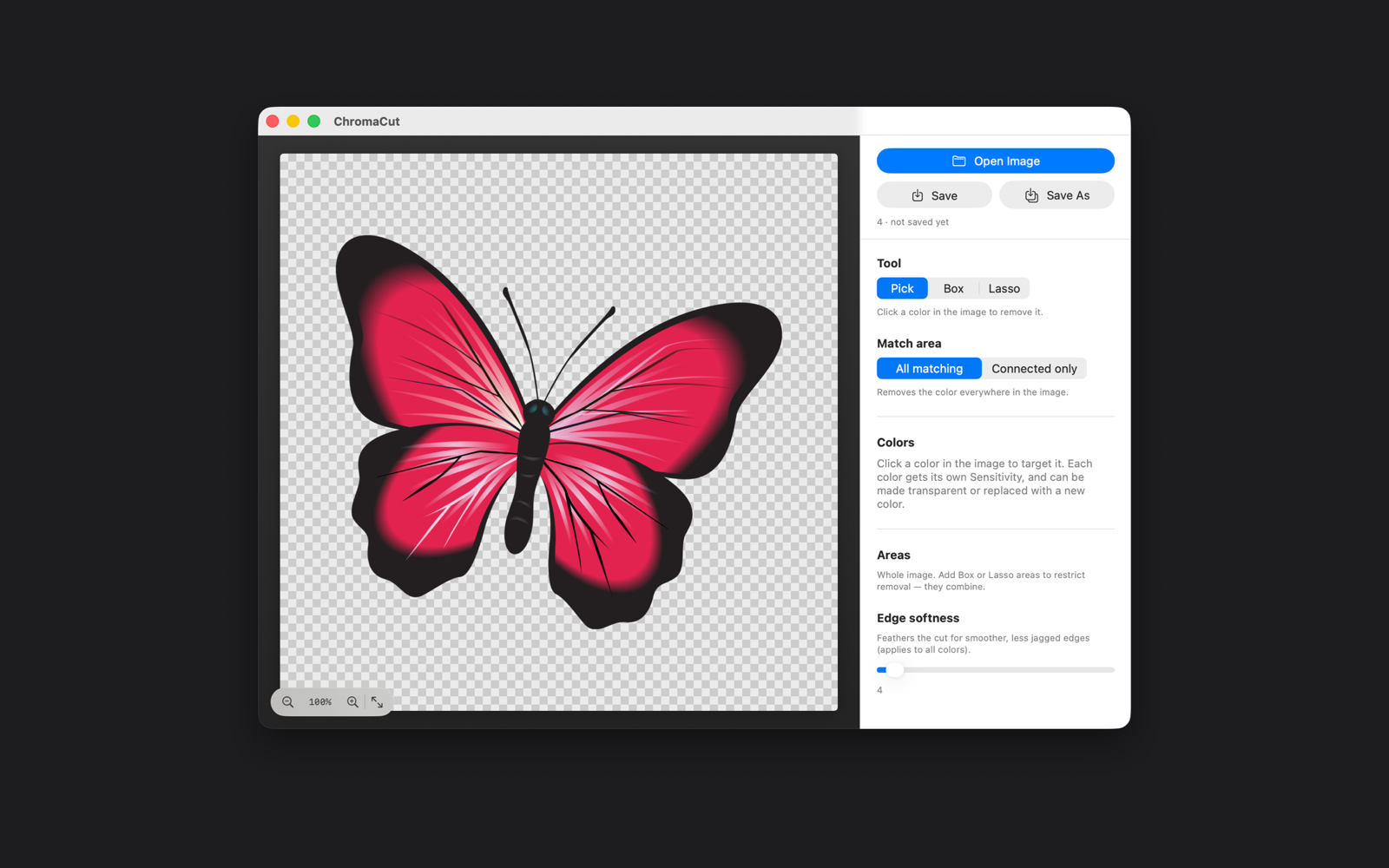
Start with a solid-color background, erase it to full transparency in ChromaCut, then drop the clean cutout onto anything — like these real flames.



ChromaCut gives you exact control over which colors stay and which disappear — no subscriptions, no cloud, no surprises.
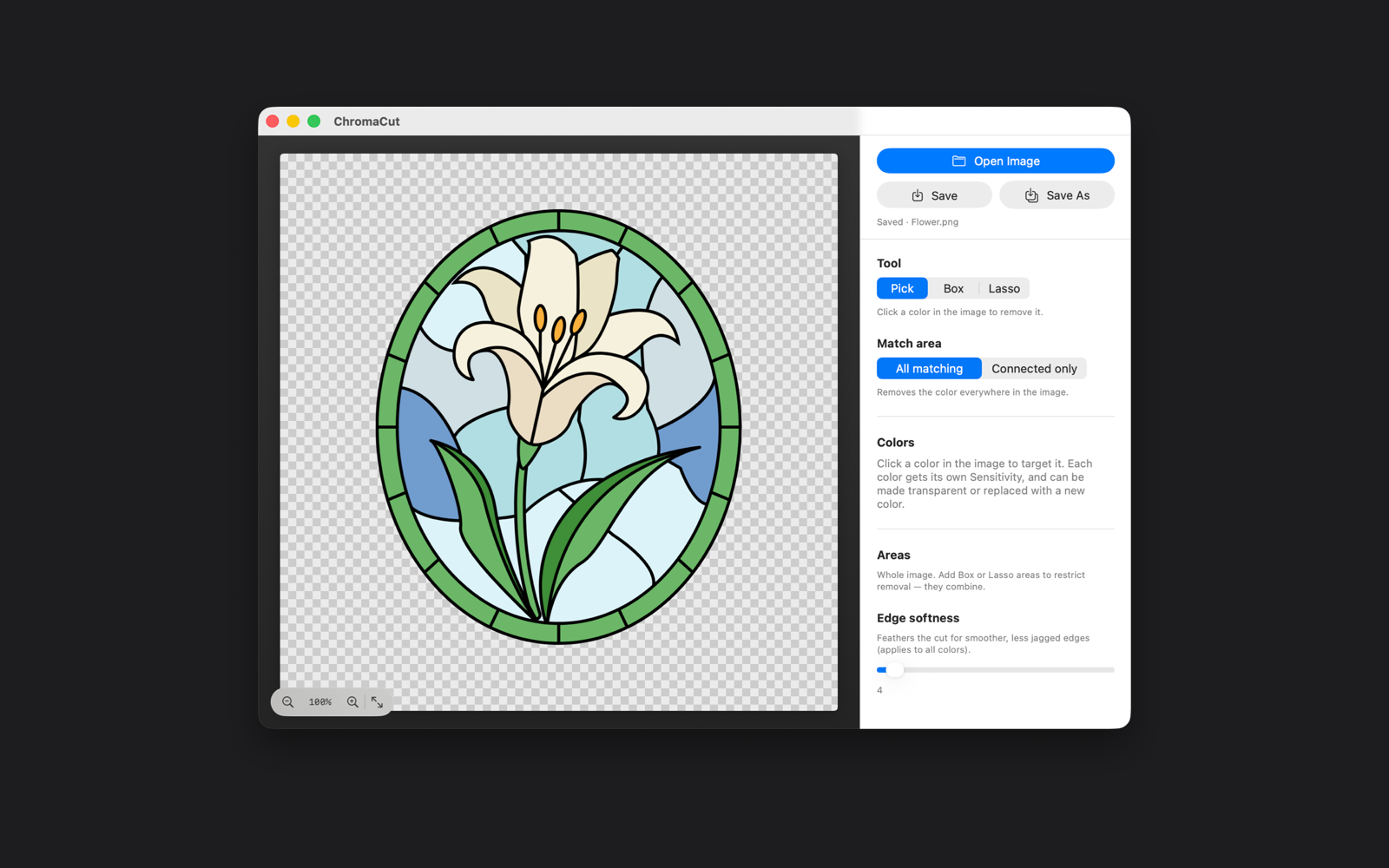
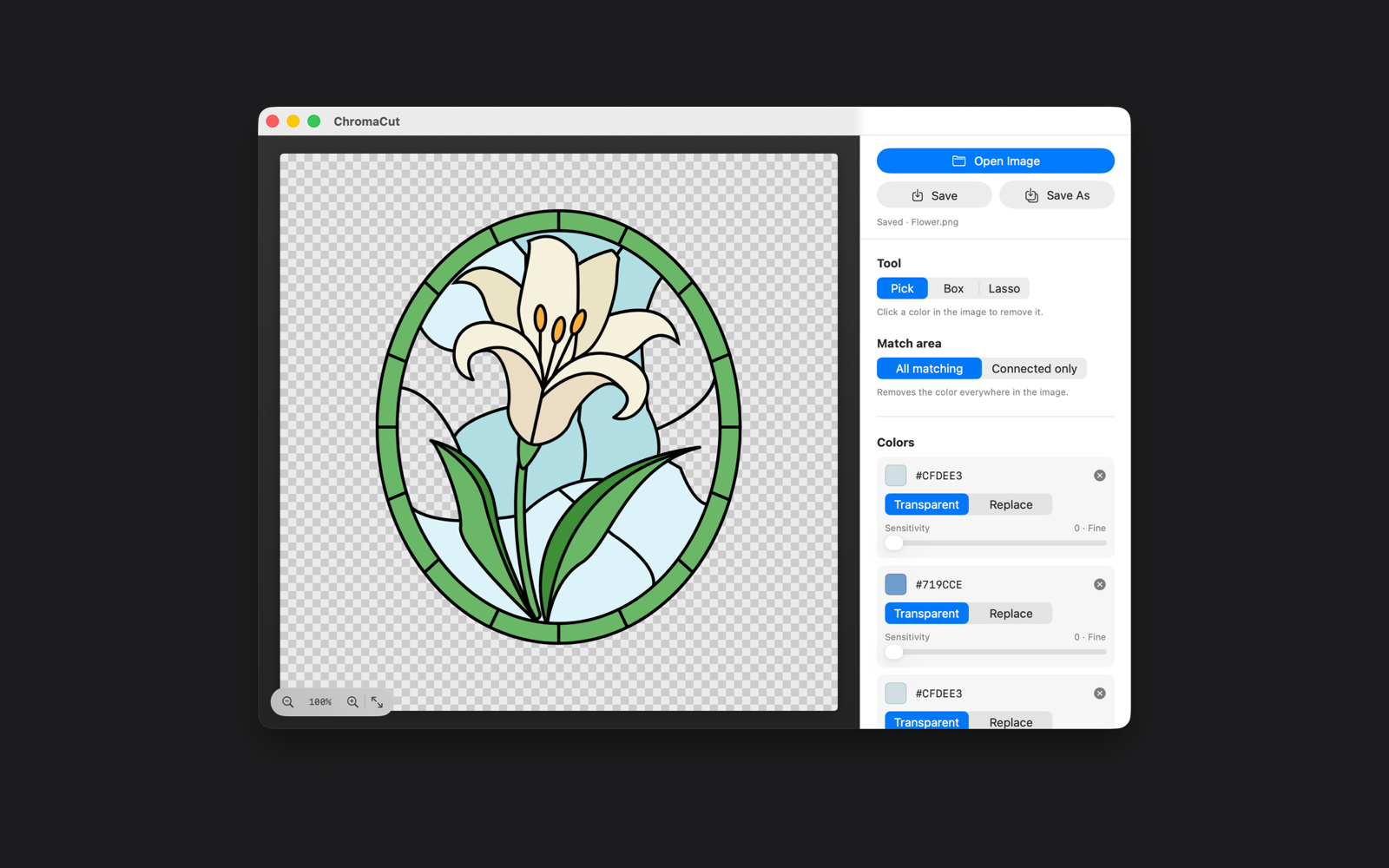
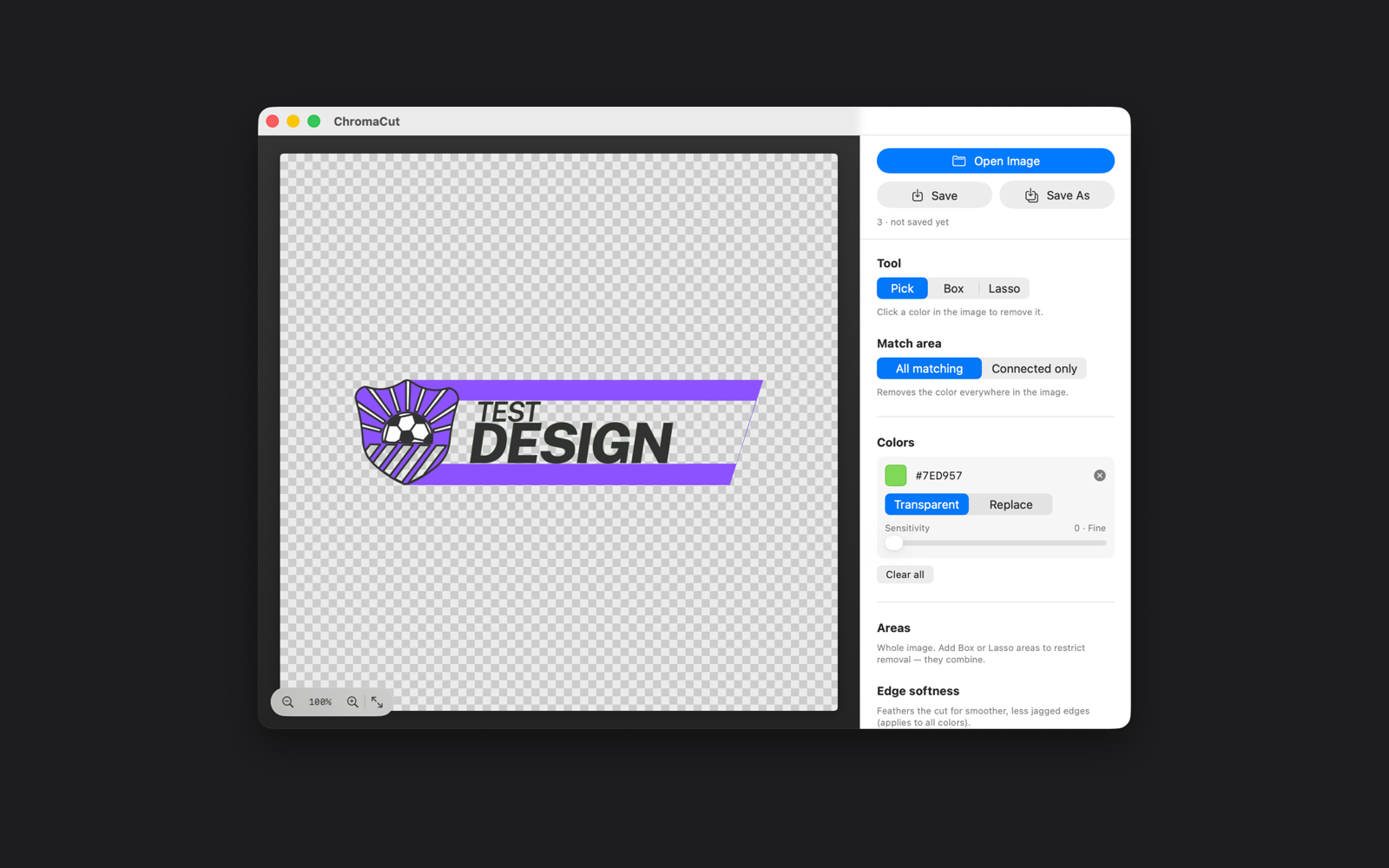
Click any color in your image and every matching pixel is selected instantly — no manual masking.
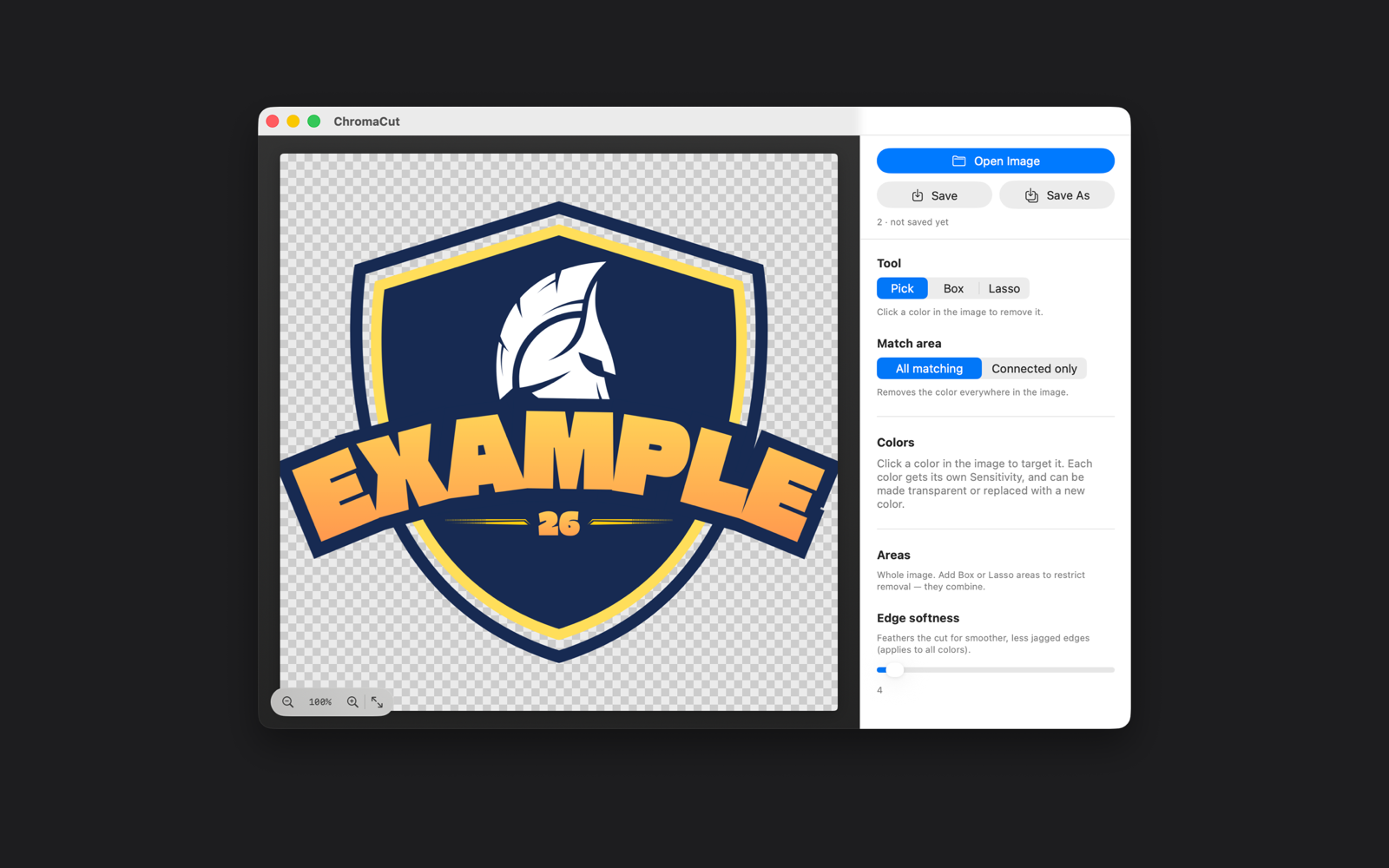
Dial each color in independently to grab more or fewer nearby shades — perfect for gradients and anti-aliasing.
Make a color vanish, or replace it with any new color you choose. Swap brand colors without redrawing.
Work on the whole image or restrict changes to a box or freeform lasso area. Combine multiple regions.
Clear every instance of a color across the image, or flood-fill just the connected region you clicked.
Soften cutout edges for smooth, natural-looking results with no jagged pixel stair-stepping.
Get in close for pixel-level accuracy, then pan around large images without losing your place.
Experiment freely. Step backward and forward through every edit until the cutout is exactly right.
Export a ready-to-use PNG with full alpha transparency for design, web, print, and sticker projects.
Everything runs on your Mac. No internet connection, no uploads, no analytics, and no data collection.
No layers to learn, no masks to paint. If you can click a color, you can use ChromaCut.
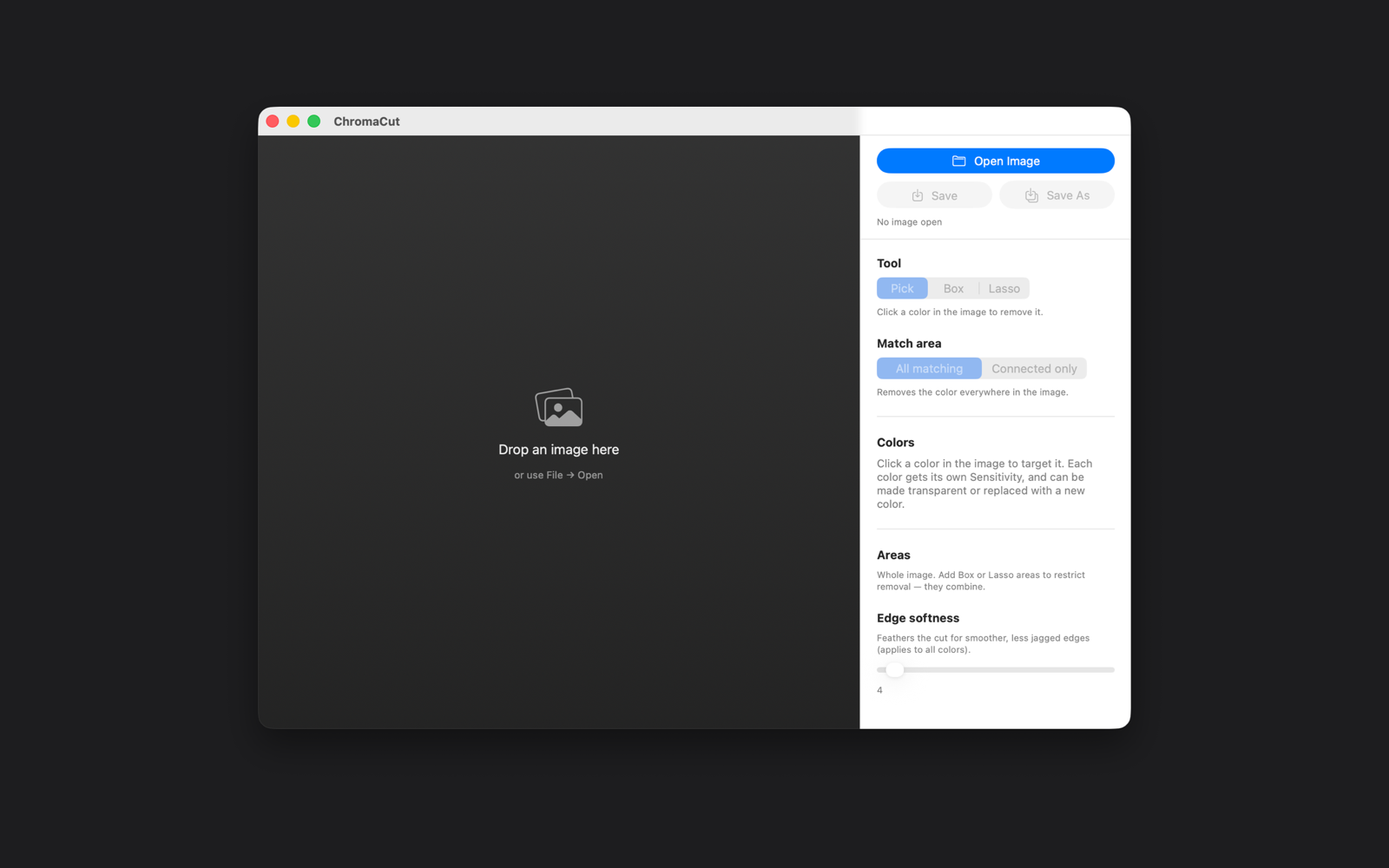
Drag in a PNG or JPEG, or open one from Finder. Your file stays on your Mac.
Use the eyedropper to select the color you want gone. Matching pixels update instantly.
Adjust sensitivity, feather the edges, or limit the change to a box or lasso area.
Save a clean, transparent PNG that's ready to drop into any design or website.
Most background removers use AI to guess at a "subject" — and they struggle with logos, icons, pixel art, and scanned line art. ChromaCut takes the opposite approach: you decide, down to the exact color.
Anywhere you need a clean transparent background or a fast recolor, ChromaCut fits right in.
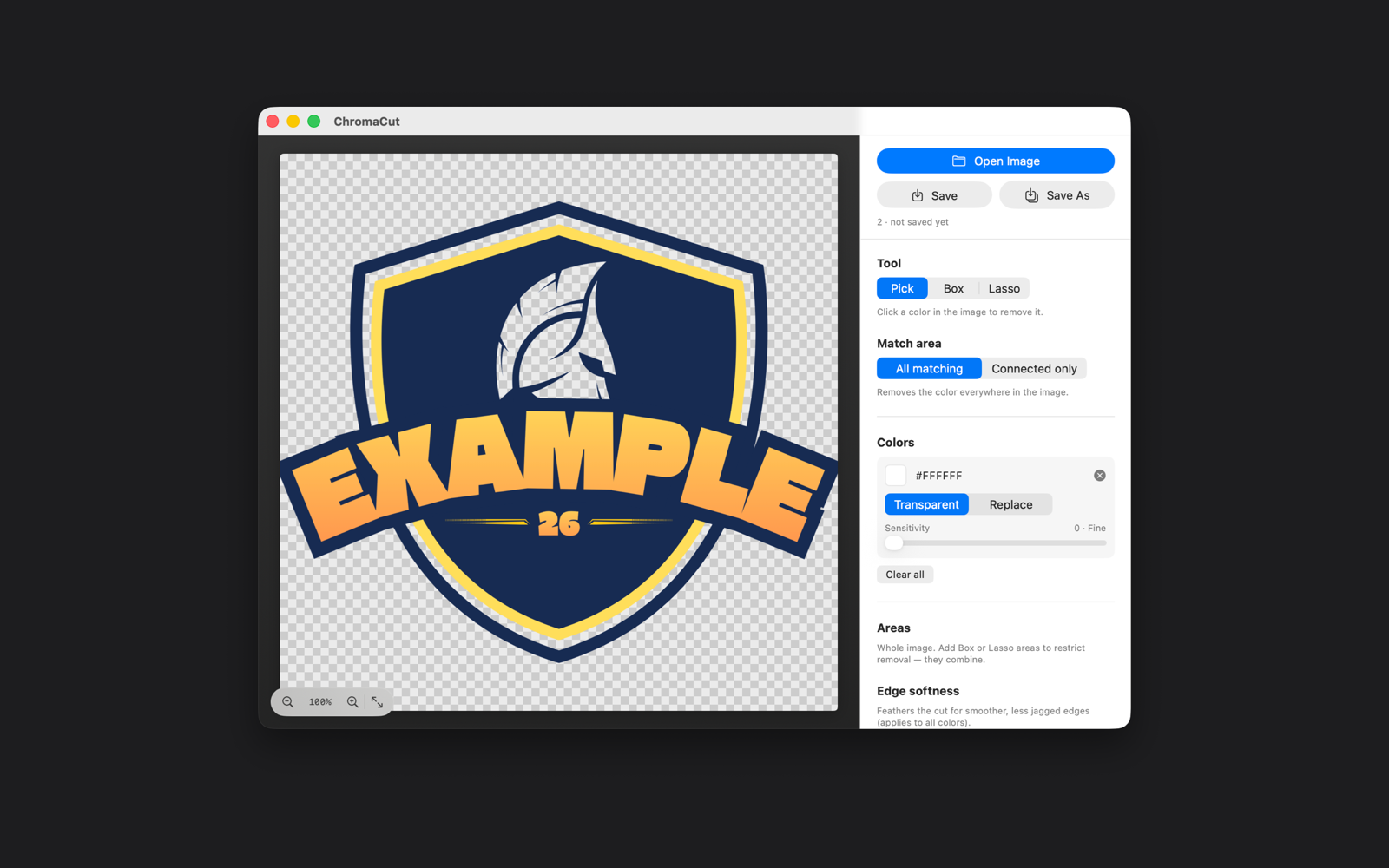
Knock out a white or solid background so a logo sits cleanly on any color.
Prep transparent art for print-on-demand stickers, decals, and merch.
Remove a flat background color from game sprites without touching the artwork.
Drop out the paper white behind hand-drawn ink and coloring pages.
Isolate items on a solid backdrop for storefronts, listings, and mockups.
Swap one color for another to test palettes or match a brand instantly.
| What matters | Typical AI remover | ChromaCut |
|---|---|---|
| Removes an exact color you choose | ✗ | ✓ |
| Great with logos & flat line art | Often fails | ✓ Built for it |
| Recolor as well as remove | ✗ | ✓ |
| Works fully offline | Usually cloud-based | ✓ Always |
| No account or subscription | Often required | ✓ One-time, no sign-up |
| Your images stay private | Uploaded to a server | ✓ Never leave your Mac |
AI removers guess at a subject and often leave halos or erase the wrong areas. ChromaCut does the opposite: you click the exact color you want gone and every matching pixel is removed or replaced. It's precise and predictable — ideal for logos, stickers, sprite art, and line art built from clean, flat colors.
Yes. ChromaCut exports PNGs with full alpha transparency, so removed colors become truly transparent and are ready to drop into design, web, and print projects.
ChromaCut runs entirely on your Mac. It never connects to the internet, requires no account, includes no analytics or tracking, and collects no personal data. Your images never leave your device.
Yes. Every color you target can be made transparent or replaced with a new color of your choice — so you can swap brand colors or recolor artwork without redrawing it.
ChromaCut is $4.99 on the Mac App Store — a one-time purchase that's yours forever, with no subscription and no account required. It runs on macOS 14.0 or later. An iPhone and iPad version is coming soon.
Open common image formats like PNG and JPEG, then export a transparent PNG. Because ChromaCut works at the pixel level, it's especially strong with graphics that use clean, flat colors.

Download ChromaCut on the Mac App Store and turn your first image into a clean transparent PNG today. Just $4.99 — a one-time purchase that's yours forever. No subscription, ever.
Questions, ideas, or need a hand? Email chromacut@forgelearningtech.com and we'll get back to you.
ChromaCut does not collect, store, transmit, or share any personal information.
If you have any questions about this policy, contact chromacut@forgelearningtech.com. This policy applies to the ChromaCut application.